
Course Overview
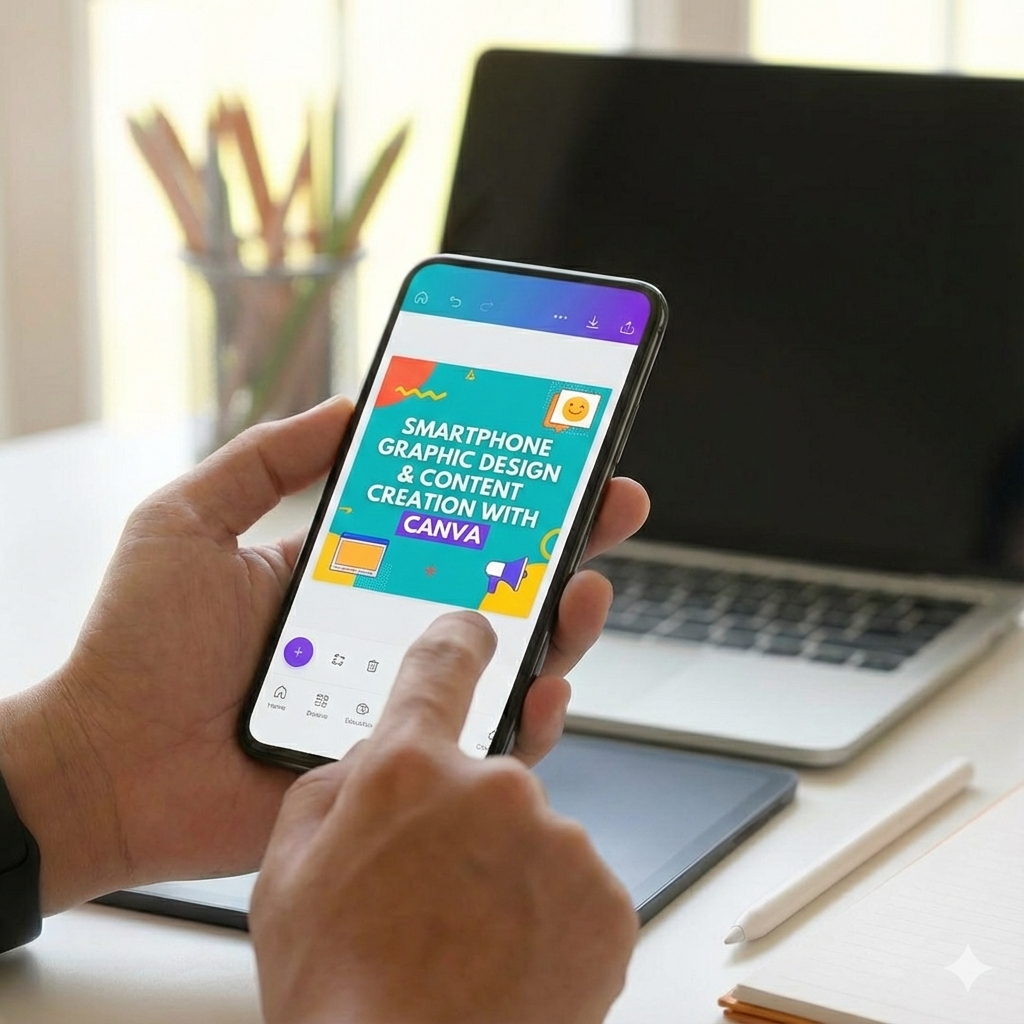
The Smartphone Graphic Design & Content Creation with Canva App course is a comprehensive, hands-on training designed to teach anyone how to create professional-quality designs using only a smartphone. This course eliminates the need for expensive software or complex tools and shows learners how to leverage the Canva mobile app alongside AI-powered design workflows to produce high-impact visual content.
This updated version of the course goes beyond basic Canva tutorials. It covers design theory, social media content creation, logo design, branding assets, business materials, AI-assisted workflows, portfolio building, and career-ready documents, all optimized for mobile users.
By the end of the course, learners will be able to confidently design, brand, and present professional content suitable for social media, businesses, freelancing, job applications, and personal brands—directly from their phone.
What This Course Covers
-
Full mastery of the Canva mobile app interface and tools
-
Core design principles that make content look professional
-
Social media graphics for Instagram, Facebook, X (Twitter), and LinkedIn
-
AI-powered content creation for faster ideation and design
-
Logo design (monogram, wordmark, pictorial, abstract, mascot, emblem)
-
Brand mockups and transparency techniques without Photoshop
-
Business design assets such as flyers, business cards, and letterheads
-
Portfolio creation using Behance (mobile workflow)
-
Resume and cover letter design optimized for hiring and freelancing
-
Correct export settings, file formats, and collaboration workflows
Who This Course Is For
This course is ideal for:
-
Beginners with no prior design experience
-
Content creators and social media managers
-
Freelancers and digital entrepreneurs
-
Small business owners
-
Students and job seekers
-
Anyone who wants to design professionally using only a smartphone
What Makes This Course Different
✔ 100% mobile-focused workflow
✔ Practical, real-world design projects
✔ No Photoshop or laptop required
✔ AI-enhanced design and content strategy
✔ Career-ready outcomes (portfolio, resume, branding assets)
Learning Outcomes
By the end of this course, learners will be able to:
-
Design visually appealing content using proven design principles
-
Create platform-specific social media graphics that convert
-
Design professional logos and branding materials on mobile
-
Export designs correctly for digital and print use
-
Build a compelling online portfolio using Canva and Behance
-
Create resumes and cover letters that stand out to employers
-
Confidently monetize Canva skills through freelancing or employment
Practical Results You Can Expect
-
A complete design portfolio
-
Multiple logo concepts and brand mockups
-
Ready-to-use social media templates
-
Professionally designed resume and cover letter
-
Confidence to take on client or personal design projects
Course Format
-
Short, focused video lessons
-
Step-by-step mobile demonstrations
-
Beginner-friendly explanations
-
Real-world design use cases
Course Features
- Lectures 42
- Quiz 0
- Duration 10 weeks
- Skill level All levels
- Language English
- Students 9908
- Assessments Yes
Curriculum
- 10 Sections
- 42 Lessons
- 10 Weeks
- Getting Started with Canva on Mobile5
- Design Fundamentals & Visual Theory3
- Social Media Graphics on Mobile5
- AI-Powered Content Creation3
- Exporting, File Formats & Collaboration4
- Logo Design on Canva Mobile8
- 6.1Introduction to Logo Design & Brand Identity3 Minutes
- 6.2Monogram Logo Design on Canva App12 Minutes
- 6.3Wordmark Logo Design on Mobile12 Minutes
- 6.4Pictorial Logo Design8 Minutes
- 6.5Abstract Logo Design7 Minutes
- 6.6Mascot Logo Design11 Minutes
- 6.7Combination Mark Logos8 Minutes
- 6.8Emblem & Vintage Badge Logos10 Minutes
- Logo Finishing, Transparency & Mockups3
- Business & Marketing Design Assets4
- Portfolio & Career Design4
- Resume & Cover Letter Design3








1 Comment
This course was practical, clear, and very beginner friendly. I did not just learn concepts, I learned how to apply them immediately.
From creating designs to building mockups and publishing my first portfolio, every lesson pushed me to take action and build confidence. The explanations were simple, the tools were relevant, and the learning process felt structured rather than overwhelming.
I would recommend this course to anyone who wants real skills, not just theory. It helped me move from learning to actually creating.