How to Get Adobe Creative Cloud Pro Free for 4 Months (2026 Official Method)
Adobe Creative Cloud is the industry standard for creatives, but the subscription cost – often upwards of $55/month – can be a massive barrier for freelancers and students.
If you are looking for a way to access Photoshop, Premiere Pro, and the new Generative AI features without breaking the bank, you have found the right guide.
In this post, we break down a 100% working, legal method to get 4 Months of Adobe Creative Cloud All Apps Plan for FREE. This isn’t a crack or a mod; it is an official promotional offer utilized correctly.
🎥 Watch the Step-by-Step Tutorial
Before reading the breakdown, watch the full video guide by Beloved Adejuyigbe to see exactly how to set this up in under 10 minutes.
Why You Need the “All Apps” Plan in 2026
Getting this 4-month trial isn’t just about saving money; it’s about unlocking the most powerful creative tools on the planet. Here is what is included in this offer:
1. Unlimited Generative AI (Adobe Firefly)
As demonstrated in the video, the Pro plan unlocks Adobe Firefly. Unlike the free version, which limits your credits, this subscription lets you generate images, text effects, and even AI video (like the “G-Wagon in the forest” example shown in the tutorial) with far more freedom.
-
Read our guide on “Top 10 AI Tools for Creators in 2026.”
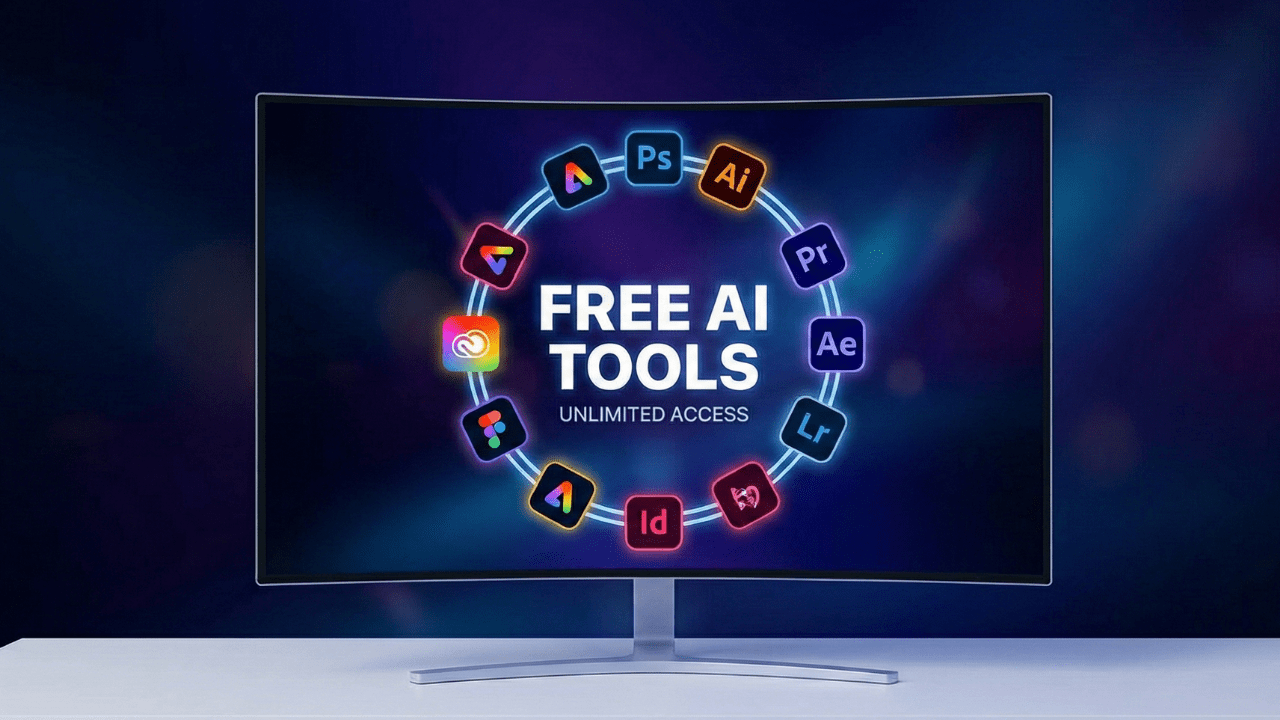
2. Access to 20+ Industry-Standard Apps
You gain immediate download access to the full ecosystem:
-
Adobe Photoshop (Image editing & compositing)
-
Adobe Premiere Pro (Professional video editing)
-
Adobe After Effects (VFX and motion graphics)
-
Adobe Illustrator (Vector graphics)
This is perfect if you are learning a new skill or need to deliver a high-end client project.
3. Official Cloud Storage & Updates
Because this is a legitimate subscription, you get:
-
100GB+ of Cloud Storage.
-
Access to Adobe Fonts.
-
Automatic updates to the latest versions (no buggy, cracked software).
How to Claim the Offer (Summary of Steps)
The video details the exact process, but here is the checklist of what you will need.
Step 1: Use a VPN
This promotional offer is often region-locked to specific countries like the UK or USA. You will need a reliable VPN to switch your IP address before accessing the link.
Step 2: The Promotional Link
You must use the specific partner link provided in the video description. This link bypasses the standard “7-day trial” and activates the 4-month extended trial.
Step 3: Virtual Card for Verification
Adobe requires a payment method on file to start the trial (you won’t be charged). The video recommends using a Virtual Dollar Card (like Gray.co or Pyypl) to safely verify your identity without risking your main bank account.
Frequently Asked Questions (FAQ)
Is this method legal? Yes. You are claiming an official promotional offer provided by Adobe partners. You are simply using a VPN to access that offer from your location.
Will I be charged after 4 months? If you do not cancel, yes. However, you can cancel the subscription immediately after activating it, and you will still keep the 4 months of access.
Can I use this on my existing account? It is highly recommended to create a brand new Adobe account to ensure the promo code applies correctly.
Start Creating Today
Don’t let the price tag stop your creativity. By following the steps in the video, you can save over $200 and start using the world’s best creative tools today.
👉 Click here to watch the video and get your link!
Found this guide helpful? Share it with a designer friend who needs to save money!

Tag:Adobe

You may also like
How to Get Google AI Premium FREE for 1 Year (New 2026 Method)